Cash Processor Process
After Cash Supervisor approval, the Cash Processor counts, scans, and packs the physical cash for the order.
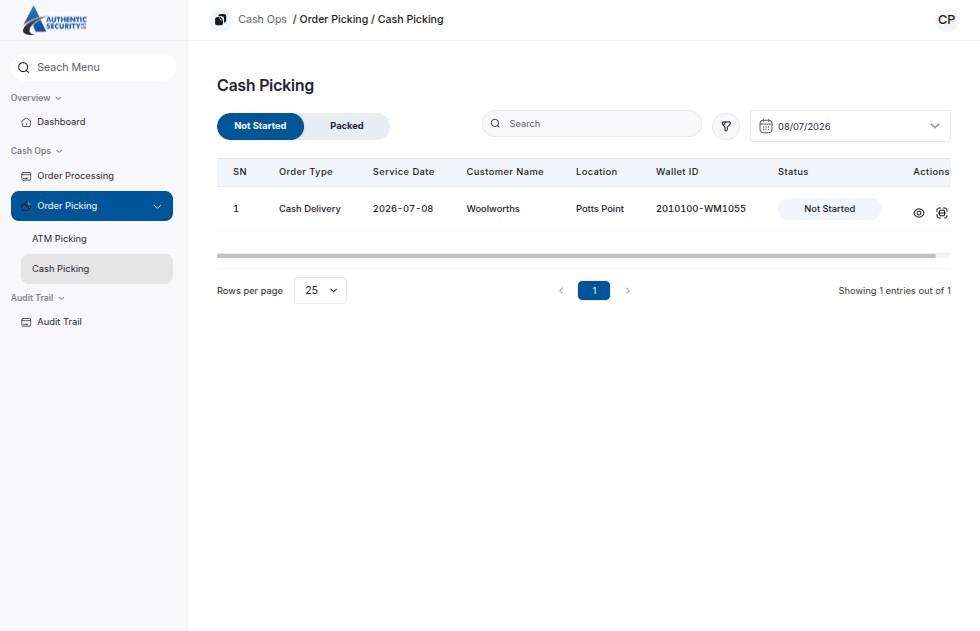
Step 1: Select and Confirm the Order
Log in as Cash Processor, select the order, and click Confirm.
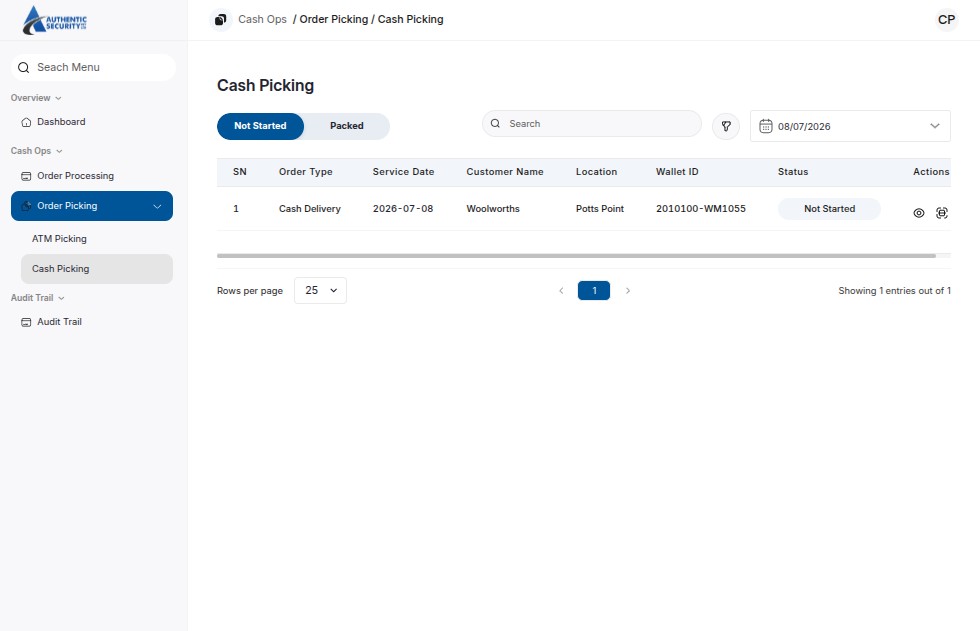
Step 2: Open the Scan Screen
Open the scan screen to begin processing the cash.
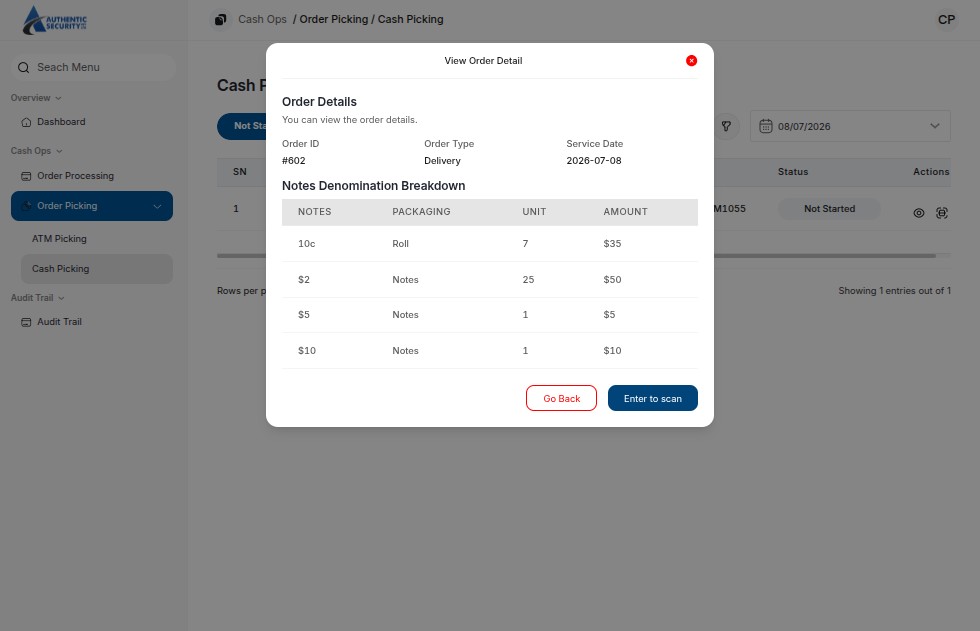
Step 3: Scan the Denominations
Review the cash denominations and scan each one.
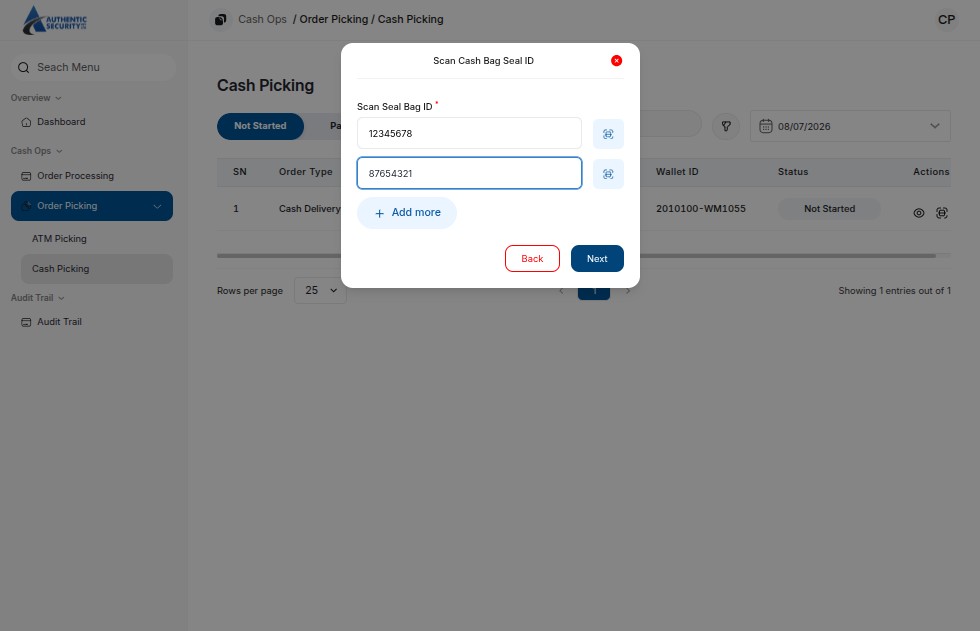
Step 4: Create Seal Bags
Create seal bags for the cash as required.
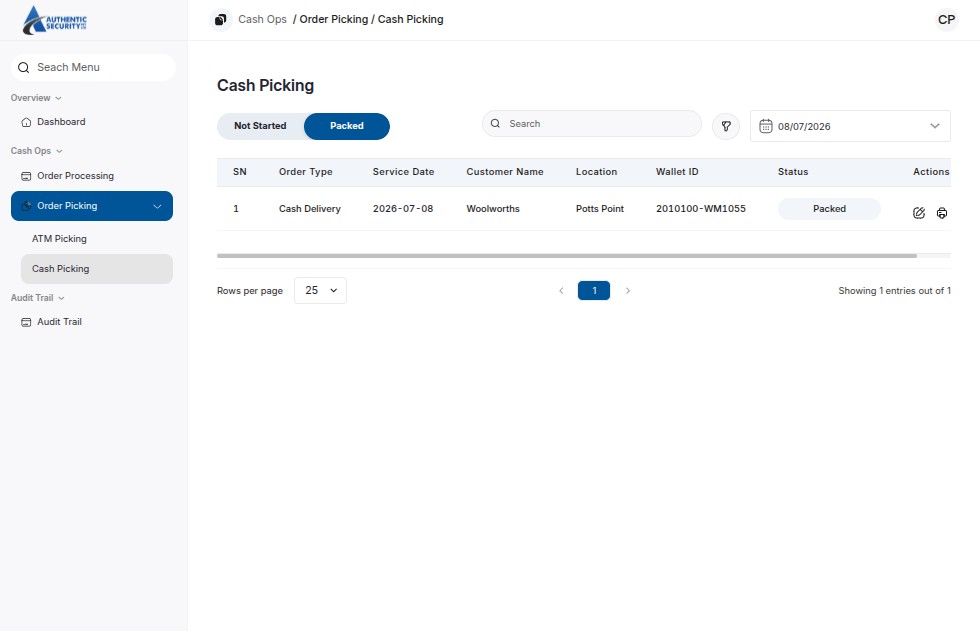
Step 5: Verify the Packed Order
Check that the order has been packed correctly.
Summary
The Cash Processor step confirms the cash has been counted, scanned, and securely packed, ready for delivery.
To continue the workflow, proceed to the Route Planner Process section.